
Grand Theft Timeline Troubleshooting & Bug Fixes
Fix Grand Theft Timeline crashes, stuck loading screens, lag, FPS drops, and Steam multiplayer or voice chat errors with verified PC troubleshooting steps.
Resolve launch crashes, frame drops during 100-enemy hordes, and friends-only co-op invite errors on Windows PC, plus learn where to submit Early Access bug reports.
- Crash & Loading
- Verify Steam Files & Drivers
- Co-op & Voice
- Friends-Only Invite & Mic Checks
- FPS & Lag
- Check 8 GB RAM / GPU Headroom
- Bug Reports
- Official Steam Discussions
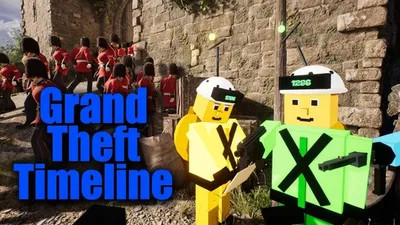
Grand Theft Timeline Crash Fix: Solving PC Crashes and Stuck Loading on Steam
Need a Grand Theft Timeline crash fix? Check verified Windows 10+ specs, Steam file checks, Workshop mod isolation, co-op tips, and official support.
Published: 11/20/2026
Grand Theft Timeline Lag Fix: PC Specs, Co-Op Checks, and Early Access Support
Use a verified Grand Theft Timeline lag fix with official Steam PC specs, friends-only co-op checks, Workshop mod tests, and Early Access support.
Published: 11/20/2026
Grand Theft Timeline Multiplayer Not Working: Steam Co-Op and Voice Chat Fixes
Fix Grand Theft Timeline multiplayer not working on Steam with friends-only co-op checks, Windows requirements, voice chat notes, and official support.
Published: 11/20/2026